
Brush Viewer: .procreate files 1.0.3.2 Release Notes

Brush Viewer: .procreate files 1.0.3.2 adds new tools for reviewing .procreate files on Android. Following the 1.0.1.9 release notes, layer information is now free for everyone. Plus users can also pick colors directly from artwork and swap colors before sharing. Here is a summary of what changed in this release.
Layer info is now free
You can now check the layer list without a Plus upgrade. When you open a .procreate file, the layer panel displays the structure saved inside the file.
This read-only list includes:
- Layer and group names
- Opacity levels and blend modes
- Hidden, locked, and clipping mask status
- The layer order stored in the document
This feature is experimental. Some files may not read accurately due to variations in how files are saved. The layer panel is read-only, so you cannot edit layers or toggle visibility.
Eyedropper (Plus)
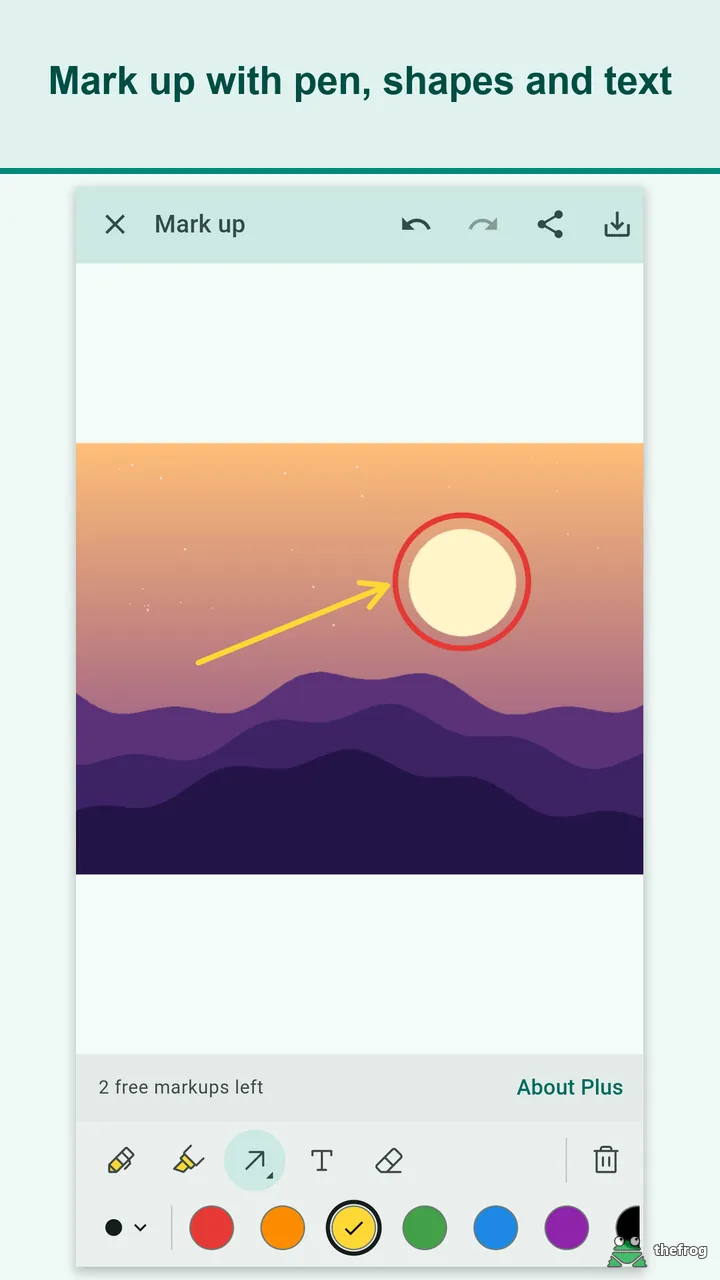
The markup screen now includes an Eyedropper tool for Plus users. You can tap any part of the image to pick a color directly from your artwork.
When you select a color, it immediately becomes your active pen color. A magnifier helps you aim, and the HEX and RGB values are shown. This makes it easier to match existing artwork colors when writing notes or drawing arrows.
Replace all of one color (Plus)
Plus users can also test color variations using the new color replacement tool in markup. You can pick an existing color in the artwork and replace every matching area with a new color.
Two controls help fine-tune the result:
- Tolerance: Adjusts how closely neighboring shades must match the selected color.
- Keep shading: Preserves highlights and shadows across the recolored area.
Color adjustments apply when you save or share your markup as a PNG image. Your original .procreate file is not modified.
Easier markup and viewing
Several navigation and markup interactions have been refined:
- Move elements: Long-press a placed shape or text box in markup to drag it to a new spot.
- Collapsible panel: Fold the bottom panel by dragging it, and the preview stays visible.
- Zoom out below fit: In the viewer, you can pinch to zoom out below screen fit to see the whole picture.
- Stability fixes: General stability has been improved, including the first swipe after opening a file.
Free and Plus
Brush Viewer: .procreate files offers a straightforward free tier alongside an optional Plus upgrade:
- Free: Open up to 5 different .procreate files and create up to 3 markups. Reopening files you previously opened does not count toward the limit. Viewing standard images and inspecting layer info have no file limits.
- Plus: A one-time purchase with no subscription. It removes file and markup limits, and unlocks the Eyedropper and color replacement tools. Purchases are handled through Google Play, with a Restore purchase button if you switch devices.
Your files stay on your device and do not leave your phone. The app does not require an account, has no server backend, and contains no ads or analytics SDKs.
You can download Brush Viewer: .procreate files on Google Play to view and review .procreate artwork on your Android device.
Procreate is a registered trademark of Savage Interactive Pty Ltd. Brush Viewer: .procreate files is an independent app and is not affiliated with, endorsed by, or sponsored by Savage Interactive Pty Ltd.

Learn more about Brush Viewer: .procreate files or get it on Google Play.
Enjoying the app? Leave a review on Google Play: Brush Viewer: .procreate files