
PSD & PSB File Viewer 2.0 Release Notes

PSD & PSB File Viewer 2.0 (version 2.0.6.6) follows our 1.1.3.0 release notes. This update completely rebuilds the app on a new engine. All existing features remain the same, and large PSD files open about as fast as before, or slightly faster.
What Changes in 2.0
PSD & PSB File Viewer 2.0 is an internal rebuild rather than an addition of new tools. The main viewing features from the 1.x versions remain available. If you open large PSD files on your device, load times are about as fast as earlier releases, or slightly faster in some cases.
The app now shows a short start-up animation once when you first open it and once after each update.
This release also includes minor bug fixes.
What Carries Over for Existing Users
Because version 2.0 is an update to the existing app on Google Play, your saved information carries over. If you used the previous version, the following is moved to the new version automatically:
- Recent files list (up to 20 recent files)
- Language preferences (transferred when no new value is set)
- Free usage history, such as your free file views, free memo uses and free tries of viewing text
- Memo settings, such as pen thickness and whether you have seen the tips
- Records of the rating request and of declined update prompts
Thumbnail preview images in the recent files list do not carry over to the new engine. Older recent items that the new version cannot reopen (with no app copy and no shared-file link) are not transferred.
Free and Plus
Nothing changes regarding Free and Plus access. Plus remains a one-time purchase, not an ongoing subscription. If you previously purchased Plus, your purchase stays active through Google Play automatically, with no repurchase or manual migration needed.
How to Update
Version 2.0 is an update to the same app, so you do not need to install a separate app. When the update is offered for your device, install it from Google Play. You can also open PSD & PSB File Viewer on Google Play to check for updates.
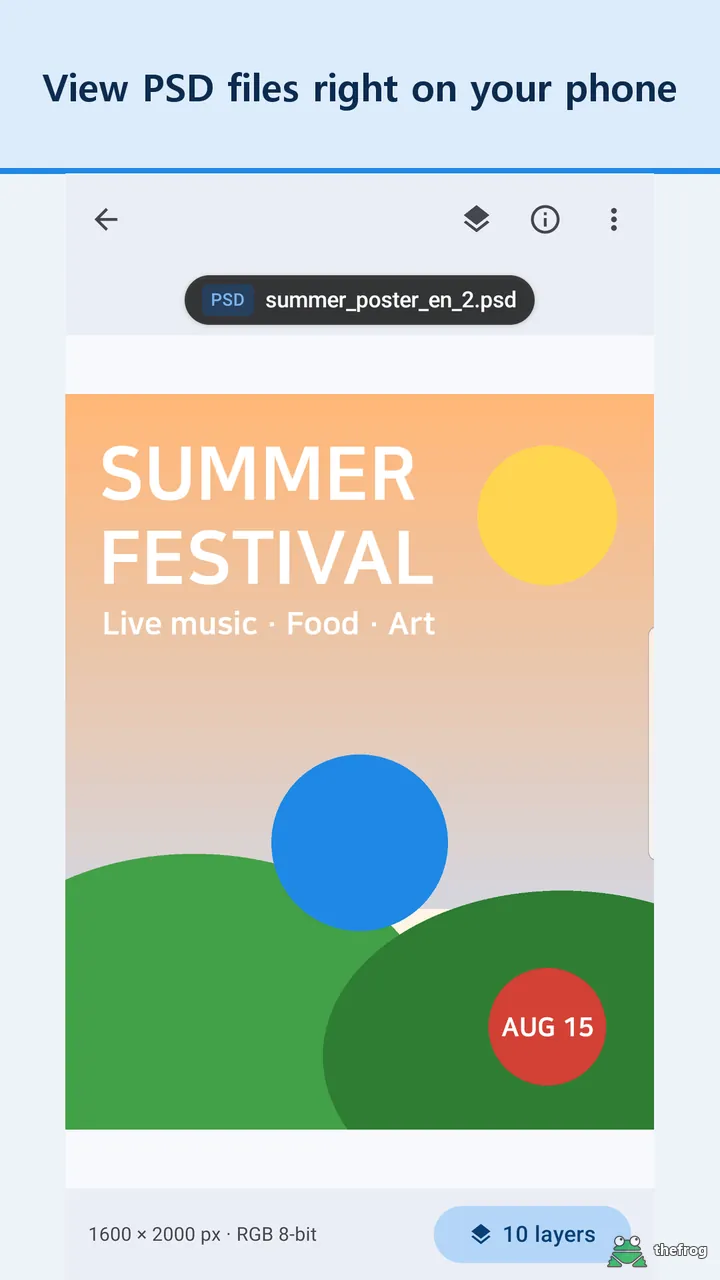
Learn more about PSD & PSB File Viewer or get it on Google Play.
Enjoying the app? Leave a review on Google Play: PSD & PSB File Viewer