
PSD & PSB File Viewer


Scan with your phone
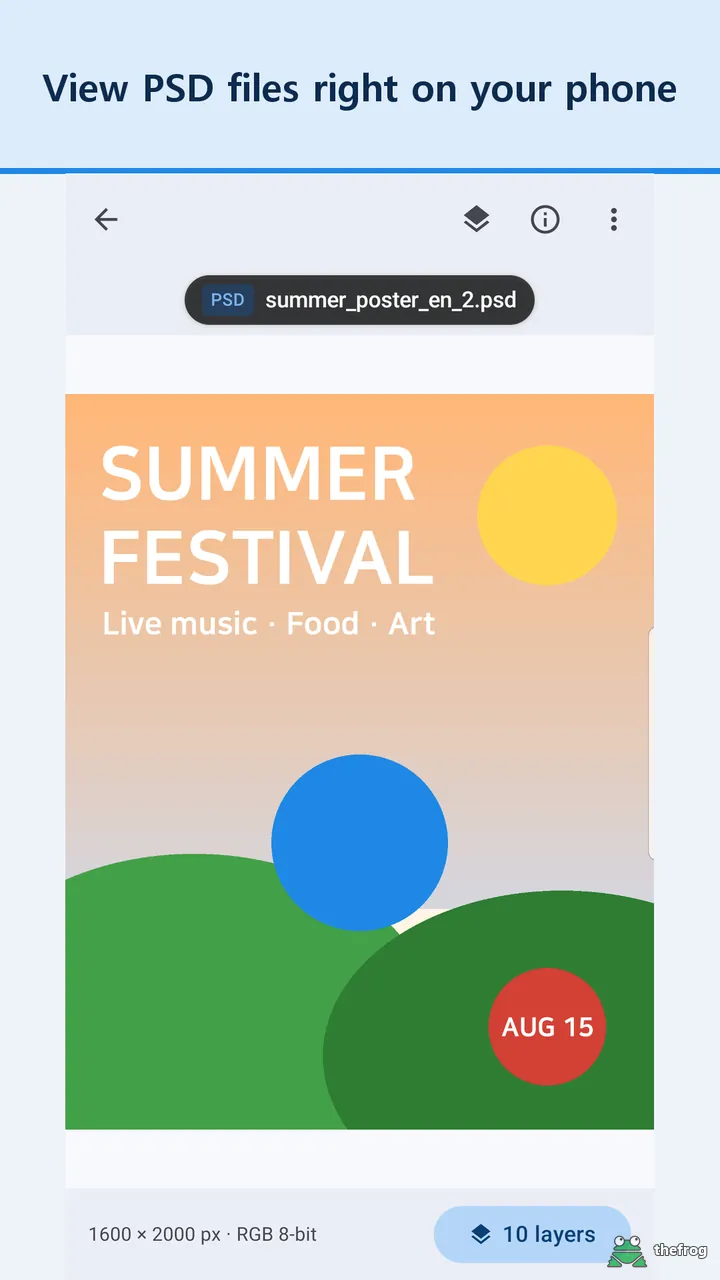


PSD & PSB File Viewer opens PSD and PSB files on your phone, no Photoshop needed. Start with the layers: browse the layer list for free, and with Plus turn layers on and off to compare design options, try a new color on one layer, or save a single layer as a PNG. You can also zoom into the merged image and check document info. Large PSB files are supported too.
Layer features
- Layer list (free): See groups, hidden layers, opacity, and layer types (text, smart object, adjustment).
- Turn layers on and off (Plus): Tap the eye icon to show or hide a layer, for example to compare design options. This works for RGB and Grayscale files with 8 or 16 bits per channel.
- Change a layer's color (Plus): Tap the image to pick a layer, then change it with a solid color or a hue shift. You can save or share the result as a PNG. Your original file is never changed.
- Save one layer as PNG (Plus): Save a single layer as a full-resolution PNG.
- Replace Color (Plus): Tap a color to change every matching area at once, then save or share the result as a PNG.
Some elements, such as layer effects and adjustment layers, are not applied when you turn layers on and off, so the result may differ from what Photoshop shows. The app tells you how many such elements a file has.
More features
- Full image view: Pinch or double-tap to zoom, and pinch to zoom out to half size to see the whole page. When you stop, the visible area is re-read for a sharper view.
- Document info: Check size in pixels, DPI, print size, color mode, bit depth, color profile, layer count, and file size.
- Open from inside ZIP files (Plus): Open PSD, PSB, and image files directly from ZIP archives, even with a password.
- Markup tools: Draw with a pen, shapes, and text on your image. Save or share the result. Markup is free 3 times, then requires Plus. The markup eyedropper (Plus) picks a color from the picture for your pen, text or shapes.
- Open files shared from other apps: Shared files appear in the Received tab, and .psb files open directly.
- Collapsible bottom panels: Collapse, half-open or drag the panel from anywhere.
- Available in 13 languages.
- View common images: Open and zoom JPG, PNG, WebP, GIF, BMP, and HEIC files.
How it works
You can view up to 5 different PSD or PSB files for free. Opening the same file again does not count towards your limit. The layer list is free.
"Plus" is a one-time purchase, not a subscription. It gives you unlimited PSD and PSB viewing, the layer tools above (turning layers on and off, changing a layer's color, saving one layer as a PNG), Replace Color, the markup eyedropper, saving the merged image as a PNG or PDF at up to full resolution, and opening files inside ZIP archives.
Please note: Photoshop stores the merged image only when "Maximize Compatibility" is on. Files saved with it turned off show a notice instead of the image, though you can still see the layer list and document info. Files in some color modes may not show the merged image.
Privacy
The app does not send your files off your device. It uses no ads or analytics SDKs. Its internet connection is used only to process Google Play purchases and verify purchase status. No account or sign-in is required.
For more details, read our Privacy Policy.
PSD & PSB File Viewer is an independent viewer, not an official Adobe app. Adobe and Photoshop are trademarks of Adobe Inc.
Get PSD & PSB File Viewer on Google Play.
Enjoying the app? Leave a review on Google Play: PSD & PSB File Viewer