
PSD & PSB File Viewer 1.1.2.7 Release Notes

PSD & PSB File Viewer version 1.1.2.7 is ready for Android. Following our 1.1.2.6 release notes, this update focuses on making feedback faster, tidying the markup interface, and keeping text readable across different screen sizes and languages.
Faster Pin Memos From the Viewer Bar
You can now start a pin memo in one tap. The viewer top bar includes a new [Pin] shortcut. Instead of opening secondary menus first, you can tap the pin icon to begin placing your note directly over the design.
Pin markers also received visual adjustments:
- The pin arrow is slimmer.
- Pin text boxes adjust their size to fit your text, including right-to-left languages.
- Pin boxes stay inside the page area rather than clipping past the screen edge.
Tidied Memo Top Bar
The top bar inside the Memo screen is now simpler. To keep the workspace clear while you review artwork, three common actions have moved:
- Copy, Share, and Save now sit inside the three-dot overflow menu (
⋮).
The actions themselves work as they did before. Moving them into the menu keeps the top bar neat while you write notes or inspect details.
Text Fit Across Languages and Screens
Interface text has been adjusted to reduce cut-off labels across various languages and display sizes. Version 1.1.2.7 refines these layouts so text displays cleanly on both small phones and larger devices.
Free and Plus Memo Access
Memo tools, including pin memos, include three free trial uses. Once you finish your three free trial sessions, PSD & PSB File Viewer offers Plus as soon as you open Memo. This change makes your access status clear right away.
This update also improves the timing of the rating request.
About PSD & PSB File Viewer
PSD & PSB File Viewer is a viewer for opening and inspecting Photoshop PSD files on Android devices. You can inspect layers, check image dimensions, and add visual feedback with markup tools. You can find the latest update for PSD & PSB File Viewer on Google Play.

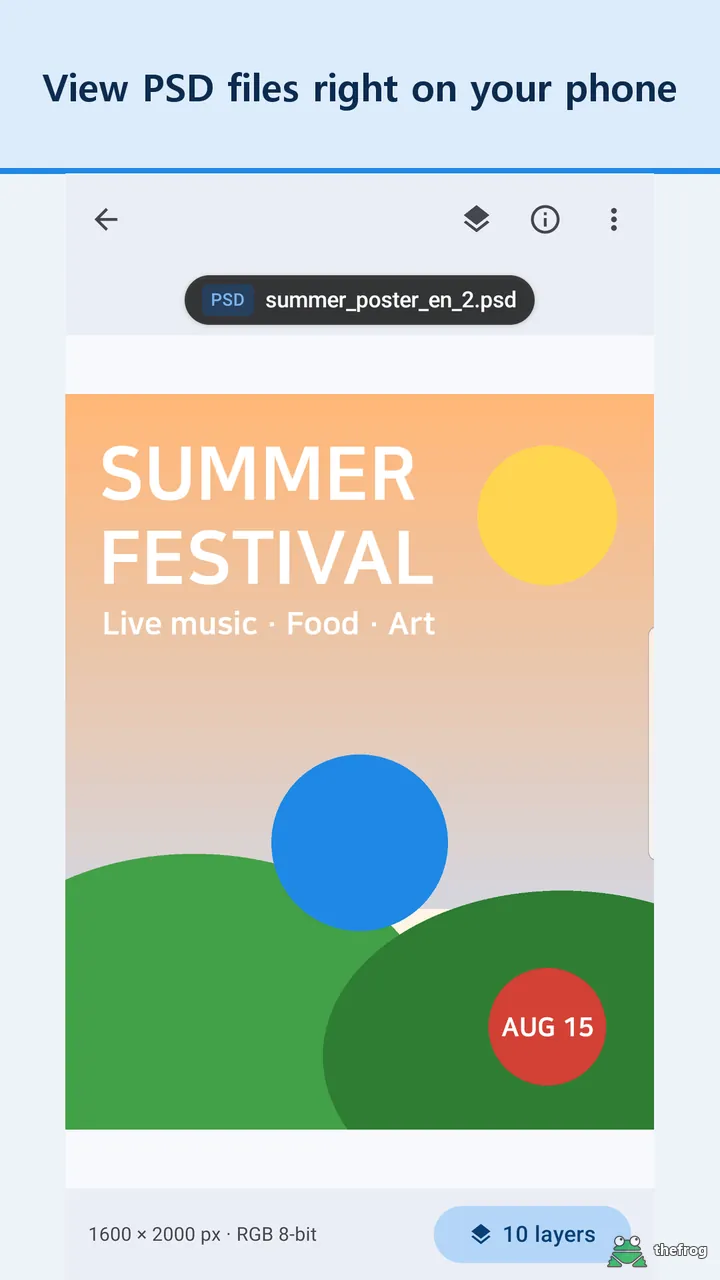
Learn more about PSD & PSB File Viewer or get it on Google Play.
Enjoying the app? Leave a review on Google Play: PSD & PSB File Viewer